
The core argument: Kaleido’s real differentiator isn’t a spec sheet number — it’s the closed loop between live intervention and post-roast review. The quartz tube’s near-instant response turns a roast profile from a script you follow into a conversation you have with the bean.
Two Platforms, Two Jobs
The Kaleido Sniper ships with two control surfaces. They are not interchangeable, and mixing them up is the most common workflow mistake new owners make.
The Kaleido tablet — a 7-inch touchscreen — is your live intervention tool. You touch-drag adjustments to heat, airflow, and drum speed while the roast is running. The tablet software is included on Standard and Dual System models with no subscription fee.
Artisan Scope, running on a PC or tablet, is your post-roast review and data management platform. It communicates with the roaster via USB or Bluetooth in two-way mode and logs the full batch. Artisan integration is native and free.
You can run both simultaneously — adjust heat on the tablet while Artisan logs every move in the background.
Why Quartz Tube Makes “Real-Time Control” Actually Work
Traditional gas drum roasters carry significant thermal inertia. Crack the gas valve open and bean temperature response lags by tens of seconds. You add heat the moment RoR starts to dip, but by the time that energy reaches the bean, the window has already closed.
Kaleido’s carbon fiber infrared quartz tube heating element can reach 200°C surface temperature almost instantly. That means when you drag the heat slider on the tablet, the thermal input changes almost immediately. Kaleido’s own guidance describes the quartz element as responding “almost instantaneously, and with matched ambient conditions and batch size, saved profiles replicate reliably from batch to batch.”
The practical implication: when RoR stalls before first crack, you don’t need to “predictively” add heat. You see the stall, you add heat, and the bean temperature curve responds within seconds. This is the core experiential difference between Kaleido and most drum roasters at the same price point.
A Reusable Live-Intervention Framework
Based on Kaleido’s official roasting guide and user practice, here is a three-stage intervention logic.
Stage 1: Turning point to end of drying (approx. 155°C). After turning point confirmation, set heat to 80%, airflow to 30, drum to 90. The goal here is a stable climb, not speed. Check RoR every 5°C of bean temperature rise. If RoR drops more than 15% across two consecutive sample points, add heat in small increments.
Stage 2: End of drying to pre-first crack (155°C to 190°C). Every 5°C rise, drop heat by 5%. Every 10°C rise, add 5% airflow. This is the critical ramp-down zone in Kaleido roasting: the quartz tube has strong thermal penetration. Hold heat constant here and you risk uneven development between bean surface and core. Users have reported “light outside, dark inside” defects on the M2 from adding too much heat late in the roast. Switching to a high-early, low-late heat curve resolved the issue.
Stage 3: First crack to drop. After 5 consecutive cracks, press “FC START.” Medium roast target: 1 minute 30 seconds after first crack, bean temp around 200°C. The key intervention here is airflow. Increase moderately to clear chaff and smoke, but don’t open it wide. A sudden airflow increase drops hot-air temperature and pulls heat off the bean surface, producing underdeveloped exteriors with continued internal browning.
What to Review in Artisan After Each Batch
Artisan logs not just BT and ET curves but every heat, airflow, and drum adjustment you made on the tablet. Focus on three things during review.
First, RoR curve smoothness. Ideally RoR declines monotonically. A mid-roast hump — drop, rise, drop — signals over-intervention on heat.
Second, first crack position. The official principle: first crack should land at 75 to 80% of total roast time. If it comes early, lower charge temp or reduce early heat next batch. If late, do the opposite.
Third, weight loss percentage. Take green weight minus roasted weight, divided by green weight. For the same bean at the same roast level, swings beyond 1.5% mean your profile consistency isn’t there yet.
One Overlooked Detail: Cross-Check With the Sampling Spoon
Kaleido’s patented horizontal sampler has a real use in live control. Pull a sample at end of drying and again before first crack, and look at the bean color. The BT number on the tablet tells you where the temperature is. The sampling spoon tells you what the bean actually looks like. Cross-referencing both is more reliable than curves alone — especially when thermocouple readings diverge from true bean temperature, which is common in small batches. On the M10 at 150g batch size, sensor readings can run roughly 20°C below actual bean temp.
One-line summary: The real value of Kaleido’s live control isn’t that “you can adjust” — it’s that “adjustments give immediate feedback.” Treat the tablet as a conversation tool, not a monitoring screen, and your profile shifts from something you execute to something you record.
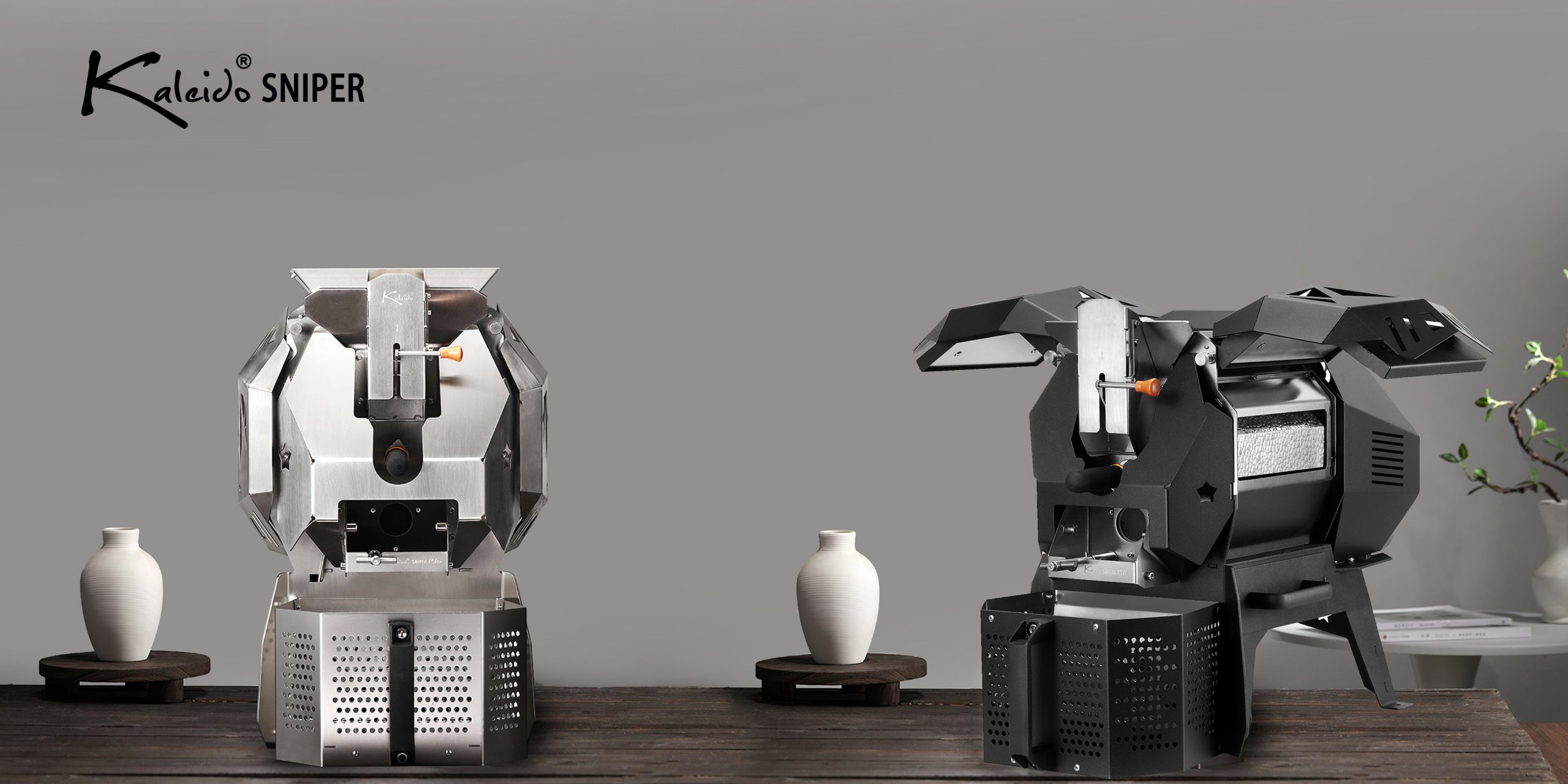
Beyond the Dial: Mastering Real-Time Profile Control on the Kaleido Sniper
Subscribe to our emails
Join our email list for exclusive offers and the latest news.
0 Comments